How to Prevent Screen Burn-In and Keep Your Upcycled Desk Display Safe 24/7
Learn essential hardware safety tips, screen brightness management, and thermal care to keep your old phone running safely as a continuous 24/7 desk display.
The Hidden Concern When Repurposing Old Displays
When transforming an old smartphone or tablet into a 24/7 bedside flip clock or smart desk dashboard, one common question frequently arises:
“Will keeping my old phone screen turned on all day cause screen burn-in or battery overheating?”
Screen burn-in—often visible as faint “ghost” images or static outlines on displays—happens when static elements remain fixed on screen at high brightness levels for hundreds of continuous hours.
Fortunately, with proper display care and Updrawer’s built-in protective features, you can run your upcycled smartphone 24/7 for years without damaging the panel or overstressing the battery.
Here is your complete guide to keeping your desk smart display operating safely and efficiently.
4 Golden Rules for 24/7 Smart Display Safety
1. Leverage Active Pixel-Shifting Safeguards
The primary technical cause of burn-in is static UI positioning. Updrawer is specifically engineered with an automated pixel-shifting engine.
Every few minutes, the clock numbers, weather icons, and calendar lines shift positions subtly by a small margin. This microscopic movement is invisible to the human eye, but it ensures that individual pixels constantly change state, completely eliminating static burn-in risks on OLED and LCD displays alike.
2. Cap Screen Brightness at 30%–50%
Running a mobile screen at 100% max brightness generates unnecessary thermal heat and accelerates pixel degradation.
- For indoor desks and bedside tables, a brightness level between 30% and 50% offers crystal-clear legibility while consuming minimal energy.
- On iOS devices, go to Settings -> Display & Brightness and adjust the slider or toggle Auto-Brightness.
3. Choose Dark Mode & Minimalist OLED Themes
Dark mode displays use significantly less energy because dark pixels require minimal illumination (or zero power on OLED panels). Updrawer offers several dark aesthetic themes:
- OLED Midnight Dark: Deep black background with crisp white typography.
- Retro Flip Clock: Subtle vintage flip digits with high contrast.
- Ambient Glow: Warm dim lighting optimized for bedside tables.
4. Optimize Battery & Charging Conditions
To ensure long-term hardware safety:
- Use Quality Power Cables: Always power your upcycled phone using certified charging cables and adapters.
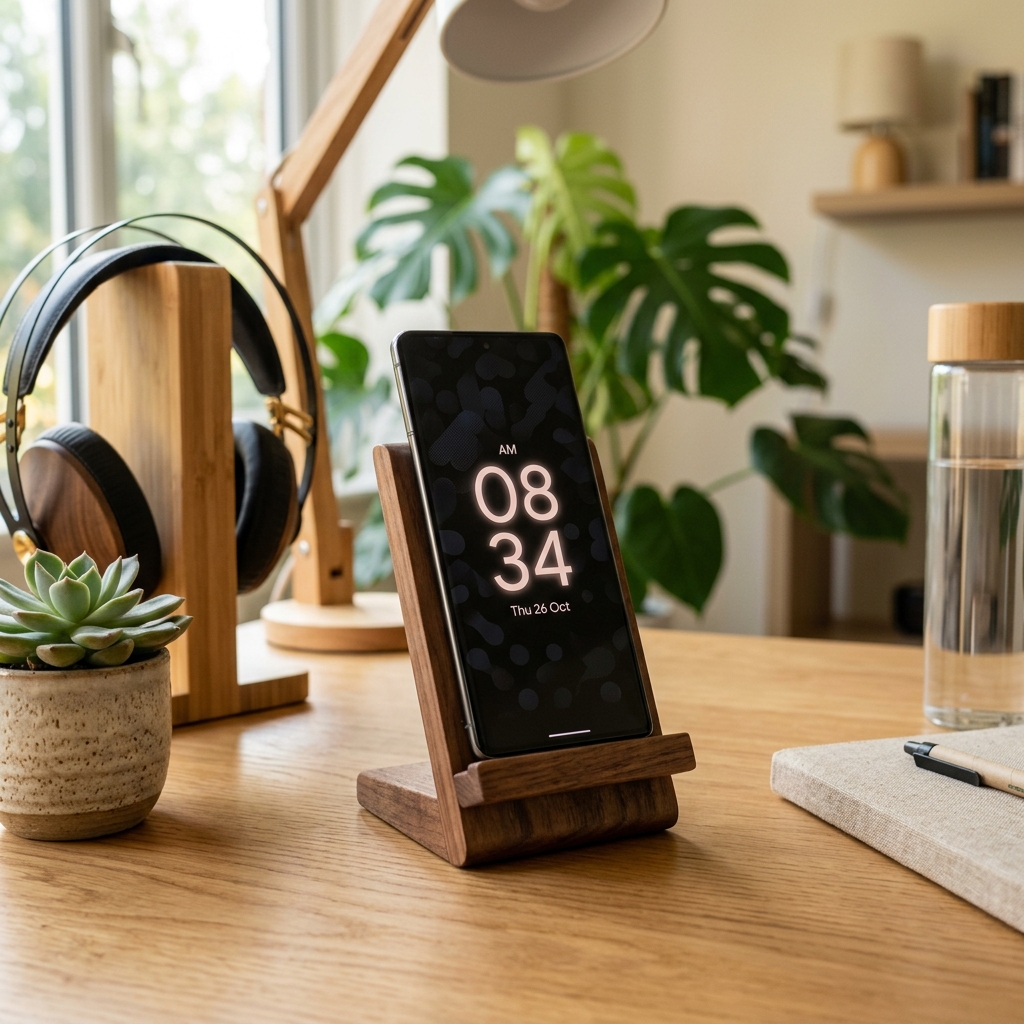
- Avoid Enclosed Spaces: Mount your device on an open wood, aluminum, or acrylic stand. Never cover the back of the phone with heavy thick cases or place it under pillows while charging.
- Position Away from Direct Sun: Keep your desk display away from direct sunlight coming through window panes to avoid thermal buildup.
Quick Setup Checklist for Continuous Running
| Protection Feature | Recommended Setting | Lợi Ích / Benefit |
|---|---|---|
| Theme Selection | OLED Midnight / Dark Mode | Saves power & reduces pixel fatigue |
| Brightness Level | 30% – 40% Ambient | Prevents heating & eye strain |
| Display Stand | Open Wooden or Metal Stand | Maximizes air circulation |
| Screen Auto-Lock | Set to Never (Updrawer active) | Keeps clock visible continuously |
By following these simple practices, your repurposed smartphone becomes a reliable, eco-friendly smart display that serves you day and night with complete peace of mind.
Biến Điện Thoại Cũ Thành Smart Display Với Updrawer
Đừng để điện thoại cũ bám bụi trong tủ. Kích hoạt ngay giao diện đồng hồ để bàn, lịch âm dương & khung ảnh thông minh chỉ với 1 cú click.