Set up your sign
Free for small shops

Turn your phone, tablet or TV into a shop sign

Use the screens you already have to show a scrolling LED sign, a menu, a price board or a neon sign. Change the text from your own phone: no sign to buy, no installer to call.

Nothing to installNo accountWorks offlineNo ads on your sign
Why shop owners use it

Cheaper than an LED sign, simpler than a signage subscription

A storefront LED sign costs hundreds of dollars and usually has to be reprogrammed on site. Digital signage services charge per screen, every month. Updrawer runs on screens you already own.

LED sign / signage service

  • Small installed LED signs cost hundreds of dollars; signage services charge about $8–30 per screen per month
  • Changing text means joining the sign's Wi-Fi or calling the installer
  • One or two lines of text, hard to fit a menu or price list
  • Another box of hardware to buy, mount and repair

Updrawer on a screen you have

  • $0 software: runs on a phone, tablet or TV you own, or one you buy
  • Change the text from your phone, scan a QR code once
  • Our own LED font, accents and symbols always render
  • Wide screens fit 4–6 line menus, price boards and portrait standees

Prices are typical figures from LED sign sellers and signage providers (2024–2026). Phone and tablet screens are bright enough indoors and behind shaded glass; in direct sunlight outdoors a real LED sign is still the better choice.

By shop type

What kind of shop do you run? Here is the screen set-up

Every shop needs something different. Pick the closest one to see where to put a screen, which app to run and a ready-made sign.

Apps for shops

11 apps for shops, grouped by job

More than signs: show off your products, put a calm aquarium by the till, welcome guests on event night.

Where to put it

Put the screen in the right spot and customers read it at a glance

Reading distance follows letter height: roughly 1 inch of letter for every 10 feet. One big line on a phone reads from a few metres; a tablet doubles that.

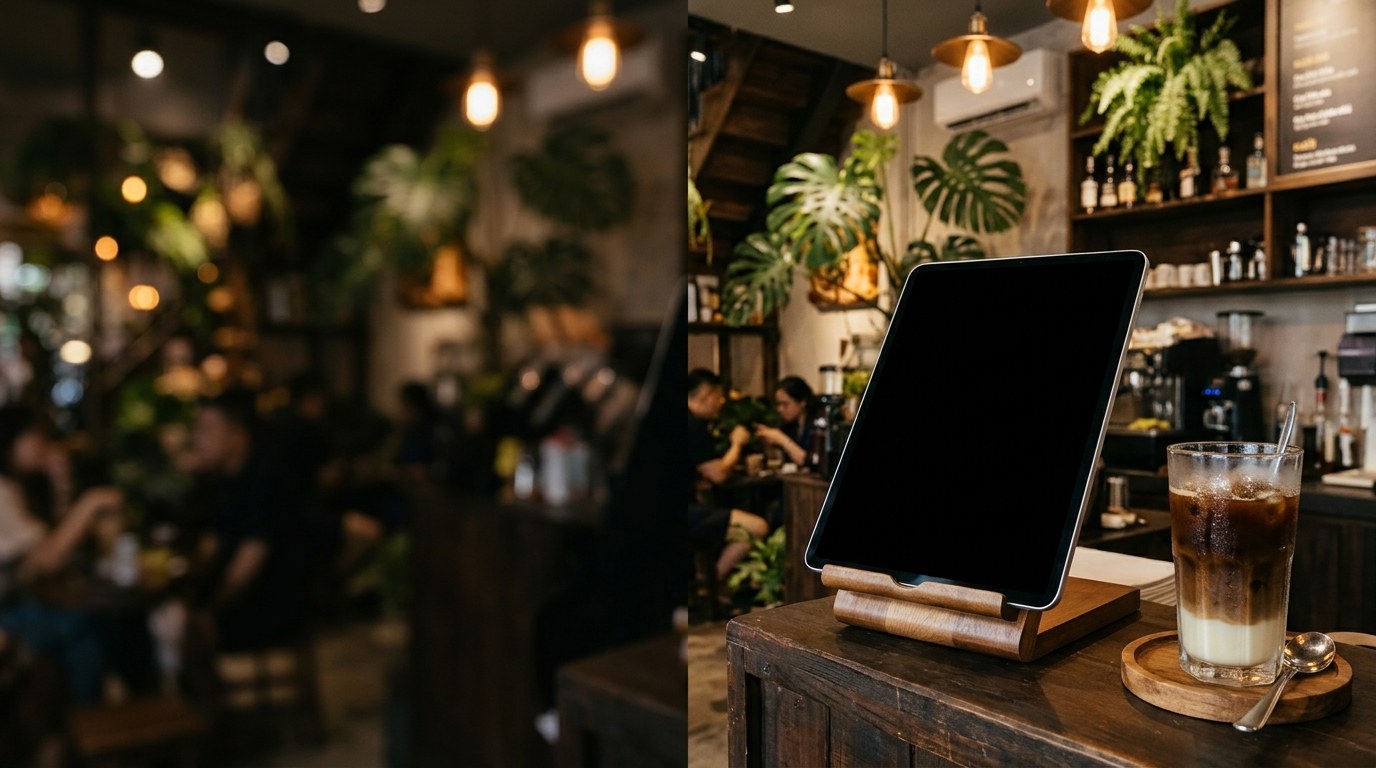
Tablet on the checkout counter
Checkout counterA tablet on a stand: menu, prices, Wi-Fi password, contact number.Reads at 1–3 m
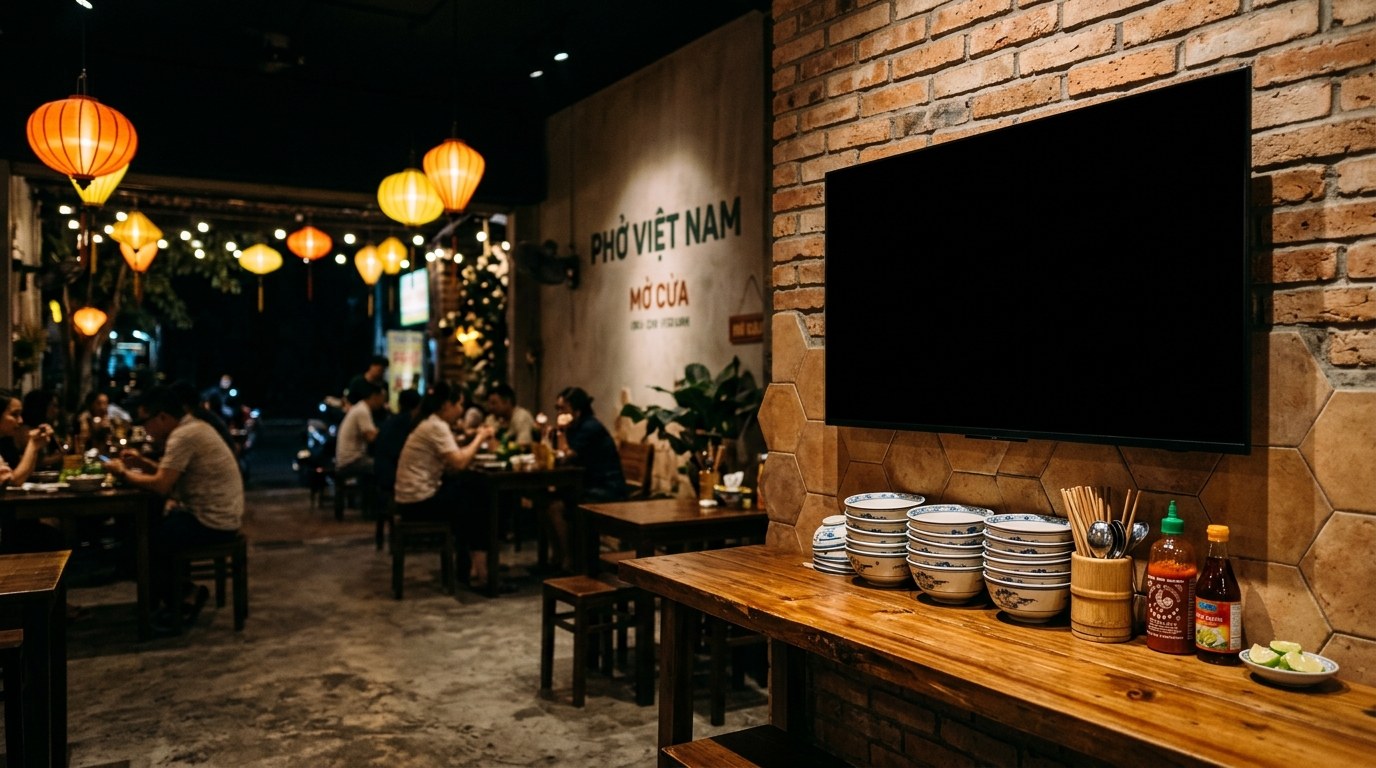
Wall TV used as a menu
Wall-mounted TVA 4–6 line menu, new dishes and opening hours for the queue.Reads at 5–12 m
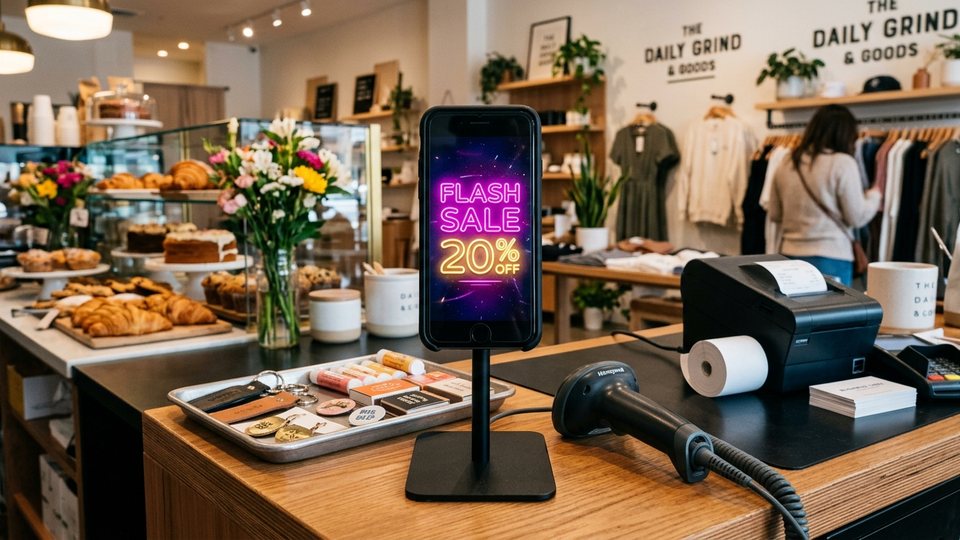
Phone on a stand next to the till
Next to the tillA phone standing up: promotions, flash sales, coupon codes.Reads at 1–2 m
Tablet on a wall shelf
Shelf or windowA scrolling LED sign or an "Open" neon facing the street.Indoors, shaded
How it works

3 steps, about 5 minutes

Open the link on your shop screenOpen updrawer.com on a phone, tablet or the TV browser. Nothing to install, no sign-in.
Pick a template, edit the textChoose a template for your trade, then change the shop name, prices and phone number. Each Enter is a new line on the sign.
Scan the QR, edit from anywhereScan the code on the screen with your phone. From then on, change a price or post "Sold out" from where you stand, without touching the mounted screen.
Templates

80+ ready-made signs for every trade

Menus, price lists, promotions, opening hours, pickups and holidays. Tap one to open it straight on your sign.

Browse all templates
FAQ

What shop owners ask

Does it cost anything?

No. The apps run free in the browser, and no ads ever cover the screen your customers see.

Does the sign go dark if the internet drops?

No. What is on screen stays on screen offline. You only need a connection to change the text remotely.

Is it OK to leave a device charging all day?

Lower the brightness to what you need, keep a dark background and turn on the battery charge limit if your device has one. The LED sign uses a black background and shifts slightly over time to avoid burn-in.

Can it be read outdoors?

Phone and tablet screens are bright enough indoors, behind glass or under shade. In direct sunlight, a dedicated outdoor LED sign is the better choice.

Which devices does it run on?

The LED sign runs well on iPhone and iPad with iOS 13 or later, Android 7 or later, and the browser of most smart TVs.

Set up your first sign now

Open it on the screen you will mount, pick a template, add your shop name. Done.

Open the LED sign See templates