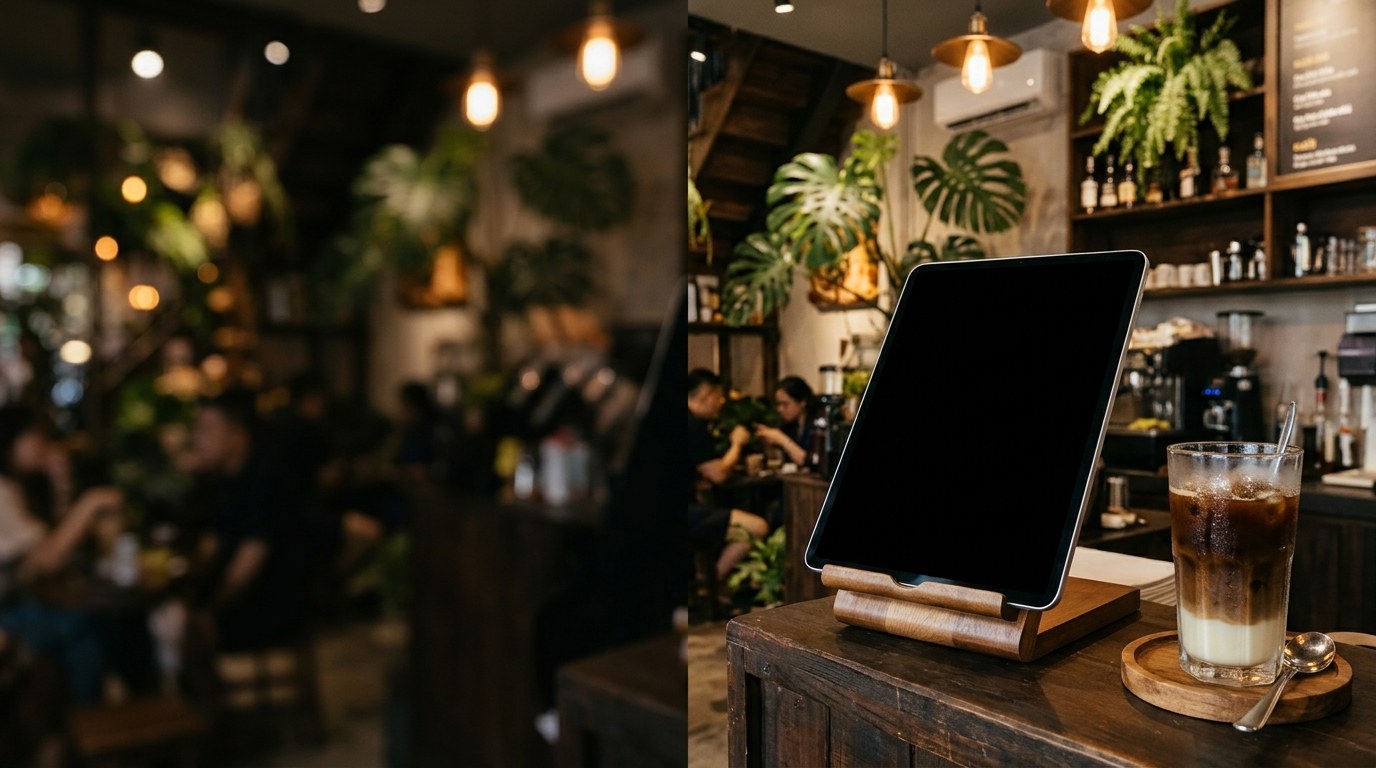
Pre-Configured LED Sign Content
Display your Zelle, Venmo, and cashless payment details clearly on a countertop iPad or tablet. Static, high-contrast lines make checkout fast and error-free.
| Line | Displayed Text | Effect |
|---|---|---|
| Line 1 | FAST PAY HERE | Attention flash |
| Line 2 | ZELLE: (512) 555-0199 | Static full-line |
| Line 3 | VENMO: @SARAH-CAFE-TX | Static full-line |
| Line 4 | APPLE PAY, ZELLE & VENMO ACCEPTED RIGHT AT THE COUNTER | Scrolling ticker |
Recommended Screen Placement
Place your iPad or tablet on a 45-degree countertop stand right next to the point-of-sale terminal so guests can verify your Zelle phone number or Venmo handle while checking out.
How to Display This Sign in Your Store
- Open this page directly in the browser on your Smart TV, desktop monitor, iPad, or tablet, or scan the QR code on the right.
- Click "Use This Template & Edit Text" to customize your store name, prices, and phone number. Pair your phone to update text remotely anytime.
- Enter Fullscreen on your TV/monitor or tap "Add to Home Screen" on your iPad/tablet to keep the LED board running all day.
Frequently Asked Questions
Will my account number or payment handle scroll off screen?
No. Both payment handle lines use a fixed static layout sized to fit cleanly across the screen so customers never have to wait for scrolling text.
Why use an LED payment board in dim spaces like lounges or cozy cafes?
In warm or low-light venues, printed tent cards are hard to read. High-contrast green and white LED characters remain legible without guests needing a phone flashlight.