Pre-Configured LED Sign Content
Display your guest Wi-Fi network and password clearly on an iPad, tablet, or TV screen. High-contrast static text lets customers connect from across the room.
| Line | Displayed Text | Effect |
|---|---|---|
| Line 1 | FREE WI-FI | Attention flash |
| Line 2 | NET: AUSTIN CAFE 5G | Static full-line |
| Line 3 | PASS: COLD-BREW99 | Static full-line |
| Line 4 | FAST FREE GUEST WI-FI - POWER OUTLETS UNDER EVERY TABLE | Scrolling ticker |
Recommended Screen Placement
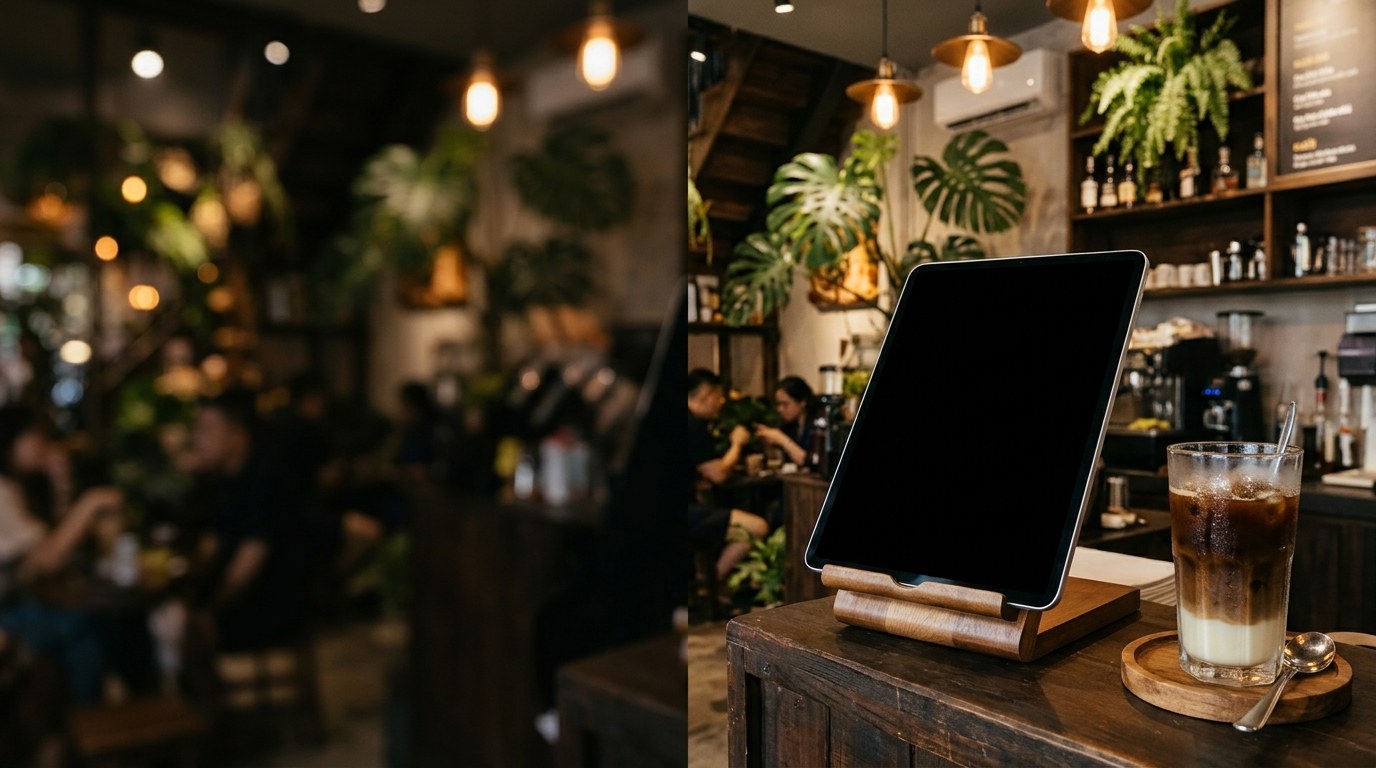
Position the tablet on the pickup counter or display it on a wall-mounted screen in your seating area so guests at distant tables can read the password effortlessly.
How to Display This Sign in Your Store
- Open this page directly in the browser on your Smart TV, desktop monitor, iPad, or tablet, or scan the QR code on the right.
- Click "Use This Template & Edit Text" to customize your store name, prices, and phone number. Pair your phone to update text remotely anytime.
- Enter Fullscreen on your TV/monitor or tap "Add to Home Screen" on your iPad/tablet to keep the LED board running all day.
Frequently Asked Questions
Does the full Wi-Fi password fit on screen without cutting off?
Yes! Both the network name and password lines are static and formatted to fit 100% across the screen so guests can type them without errors.
How do I update the board when we change our Wi-Fi password?
Just tap the screen, type the new password into line 3, and save—no need to reprint acrylic plaques or paper stickers.