Pre-Configured LED Sign Content
Help drivers spot your free customer parking lot from the street with a bright 16:9 LED direction sign on your storefront TV or monitor.
| Line | Displayed Text | Effect |
|---|---|---|
| Line 1 | FREE PARK | Attention flash |
| Line 2 | CUSTOMER LOT IN REAR | Static full-line |
| Line 3 | ENTER ON CONGRESS AVE | Static full-line |
| Line 4 | FREE VALIDATED CUSTOMER PARKING IN OUR REAR PAVED LOT | Scrolling ticker |
Recommended Screen Placement
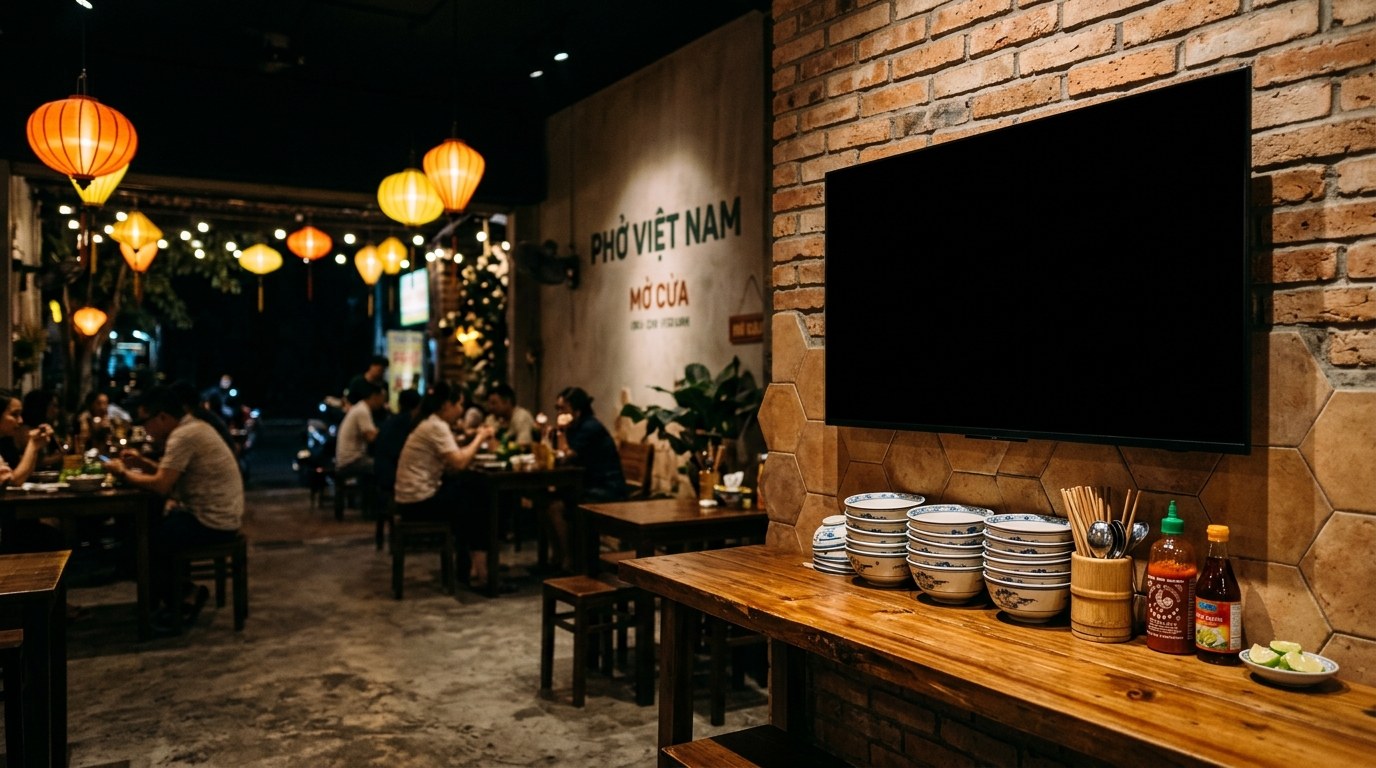
Place your 16:9 TV or monitor inside the front window closest to the driveway entrance so approaching drivers can read the lot directions before passing your building.
How to Display This Sign in Your Store
- Open this page directly in the browser on your Smart TV, desktop monitor, iPad, or tablet, or scan the QR code on the right.
- Click "Use This Template & Edit Text" to customize your store name, prices, and phone number. Pair your phone to update text remotely anytime.
- Enter Fullscreen on your TV/monitor or tap "Add to Home Screen" on your iPad/tablet to keep the LED board running all day.
Frequently Asked Questions
Can drivers passing by read the parking instructions quickly enough?
Yes. The top three lines are static and concise ("FREE PARK", "CUSTOMER LOT IN REAR", "ENTER ON CONGRESS AVE") so drivers can read them in two seconds.
Can I customize the street name or add directional arrows?
You can easily edit the static lines to include arrows like "--> ALLEY ON RIGHT" or your exact cross-street name.