Pre-Configured LED Sign Content
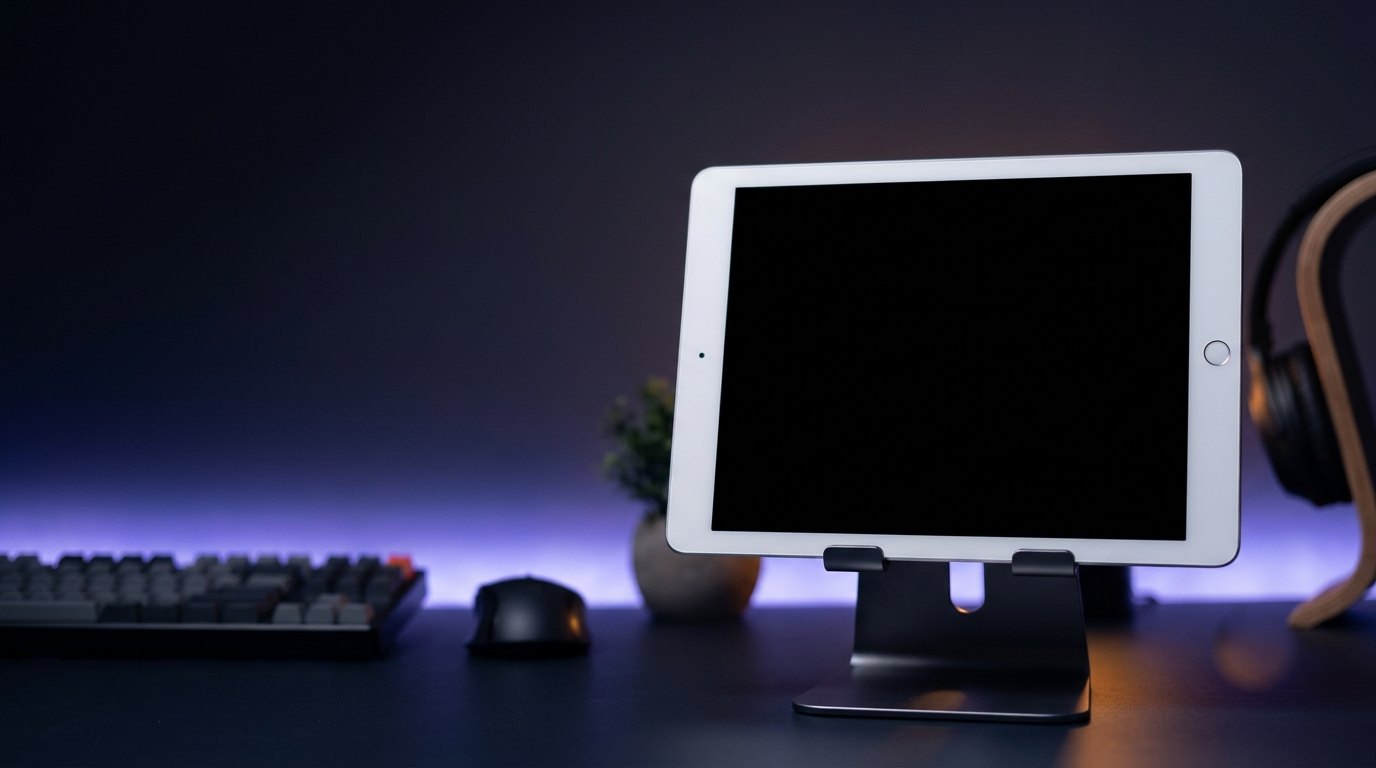
Turn any 16:9 Smart TV, desktop monitor, or iPad into a vibrant live-stream shopping backdrop showing your text-to-order number and discount code.
| Line | Displayed Text | Effect |
|---|---|---|
| Line 1 | LIVE SALE | Attention flash |
| Line 2 | TEXT: (512) 555-0177 | Static full-line |
| Line 3 | CODE: LIVE20 FOR 20% OFF | Static full-line |
| Line 4 | COMMENT ITEM CODE TO CLAIM - FREE SHIPPING OVER $50 | Scrolling ticker |
Recommended Screen Placement
Position a 16:9 Smart TV or desktop monitor at shoulder height behind the host. Set your streaming camera to normal orientation (non-mirrored) so viewers read the phone number and promo code clearly.
How to Display This Sign in Your Store
- Open this page directly in the browser on your Smart TV, desktop monitor, iPad, or tablet, or scan the QR code on the right.
- Click "Use This Template & Edit Text" to customize your store name, prices, and phone number. Pair your phone to update text remotely anytime.
- Enter Fullscreen on your TV/monitor or tap "Add to Home Screen" on your iPad/tablet to keep the LED board running all day.
Frequently Asked Questions
How do I prevent screen glare or exposure blowout on camera?
Set your TV or monitor brightness to around 60%–70% to balance with your studio ring lights so the colored LED dots appear crisp and saturated on video.
Can I update the flash sale deal mid-stream?
Yes! You can edit the headline or promo code between product drops in seconds to announce flash giveaways or bundle deals.