Set up my nightstand
For your nightstand

Your old phone is the white noise machine you were about to buy

"One more video" turns into 1 a.m. again. Charge your real phone in the kitchen tonight. On the nightstand, all you need is an old phone playing rain, white noise or a crackling fire, with a clock so dim it barely counts as light.

Find your kind of sleepless Try the sleep station
No ads at 2 a.m.Nothing to installDark, dim screens
Sleep Station
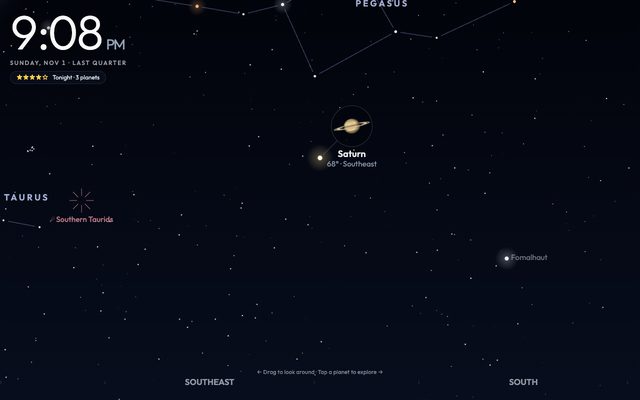
Stargazer Clock
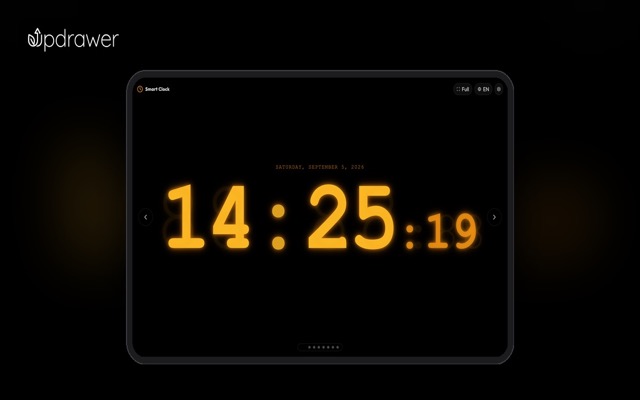
Calm Clock
White noise and a dim red clock
Why an old phone

The thing next to your pillow shouldn't have a feed

Phone sleep sounds work about as well as a dedicated machine. The catch is that they live on the phone you can't stop scrolling. Move them to one that has nothing else on it.

Your main phone on the nightstand

  • You set an alarm and somehow end up watching videos until 1 a.m.
  • Checking the time at 3 a.m. means a bright white screen in your face
  • The rain sounds video stops for an ad right as you drift off

An old phone that only does sleep

  • Your real phone charges in another room, out of reach
  • A dim red clock on black, so you can check the time and roll over
  • White noise and rain that play straight through, no ads
By situation

What keeps you up?

Different kinds of bad nights need different things on the nightstand. Pick the one that sounds like you.

Sleep Station
Suggested setup

Drown out the 2 a.m. car alarm

Steady white noise or rain masks the sudden sounds that jolt you awake, like doors, traffic and the upstairs neighbor.

Sleep StationWhite noise, red light
Open →
Sky ClockSoft rain and wind
Open →
Minimal FireplaceA small flame, light on battery
Open →
On the nightstand, about an arm's length from your head, volume low.
Breathe Flow
Suggested setup

Give your mind something slow

Three minutes of slow breathing, then koi drifting across a dark pond. Nothing to read, nothing to reply to.

Breathe FlowSlow down before bed
Open →
Zen Koi PondSomething calm to watch
Open →
Sleep StationWhite noise, red light
Open →
Do the breathing sitting on the edge of the bed, then leave the pond running dark.
Calm Clock
Suggested setup

Check the time without waking up

Faint red digits on black tell you what time it is without flooding your eyes with light.

Calm ClockDark and burn-in safe
Open →
Sleep StationWhite noise, red light
Open →
Minimal FireplaceA small flame, light on battery
Open →
Brightness all the way down, red or amber theme.
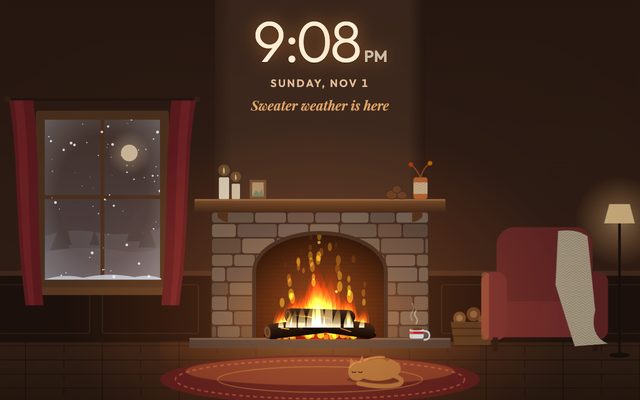
Winter Fireplace
Suggested setup

A warmer bedroom, no candles

A crackling fire, snow at the window, tonight's real night sky. Something to look at with the lights off that isn't a feed.

Winter FireplaceCrackling fire sounds
Open →
Stargazer ClockTonight's night sky
Open →
Foggy Window ClockA rainy night by the window
Open →
Landscape on a dresser facing the bed, like a small window.
Apps

9 apps for your nightstand

All free, all in the browser, all dark enough for a bedroom.

Sleep sounds

Sleep Station
White noise, red light

Sleep Station

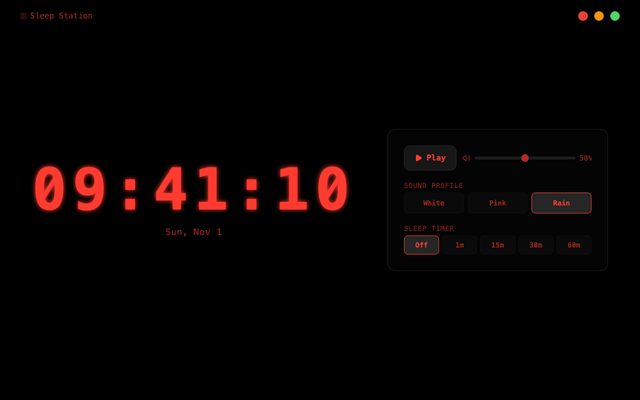
White noise and a dim red night clock for easier sleep.

Try it →
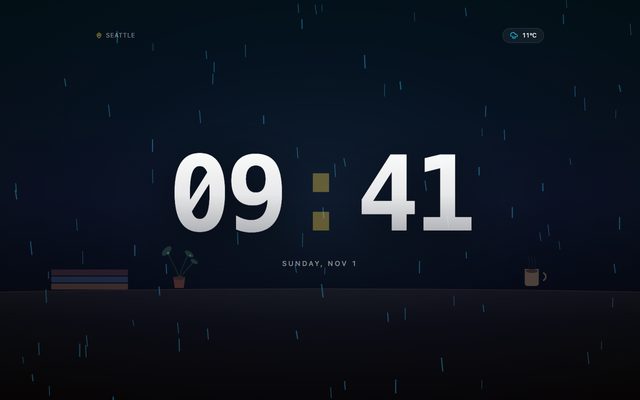
Sky Clock
Soft rain and wind

Sky Clock

A clock whose background follows the sky outside, with soft ambient sound.

Try it →
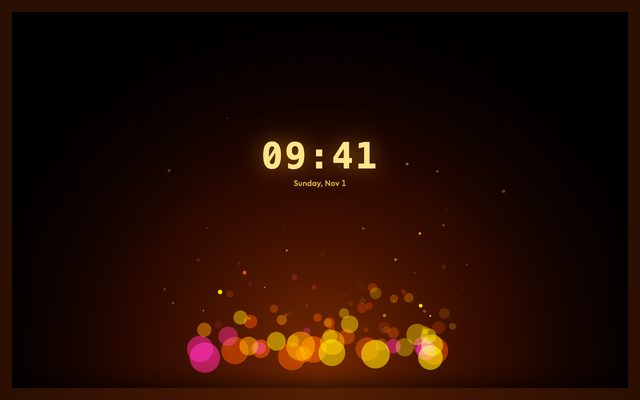
Minimal Fireplace
A small flame, light on battery

Minimal Fireplace

Just a flame and a clock on black. Easy on an old phone at night.

Try it →

Wind down

Breathe Flow
Slow down before bed

Breathe Flow

A three-minute breathing session that listens to your breath and helps you slow down before bed.

Try it →
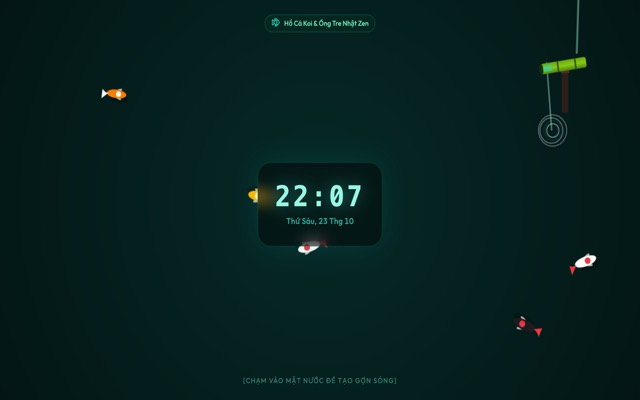
Zen Koi Pond
Something calm to watch

Zen Koi Pond

Koi drift under your clock. Tap the water to make ripples.

Try it →
Winter Fireplace
Crackling fire sounds

Winter Fireplace

A cozy living room with a crackling fire, snow at the window and a cat asleep on the rug.

Try it →

Nightstand clocks

Calm Clock
Dark and burn-in safeRuns on old devices

Calm Clock

A calm, burn-in-safe clock for your nightstand or desk.

Try it →
Stargazer Clock
Tonight's night sky

Stargazer Clock

Your night sky, live: which planets are up tonight, where to look, and when the next meteor shower peaks.

Try it →
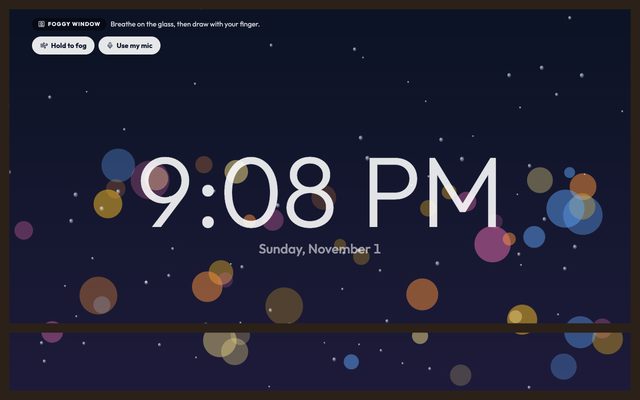
Foggy Window Clock
A rainy night by the window

Foggy Window Clock

A rainy-night clock you can fog up with a breath and doodle on.

Try it →
Where to put it

Close enough to hear, too far to scroll

On the nightstandAbout an arm's length from your pillow. Close enough to hear soft rain, far enough that grabbing it takes effort.Low volume is plenty
Brightness all the way downPick the red or amber theme and drop the brightness. Red light is easier on sleepy eyes than white.Black screen, red digits
Plugged in overnightOld battery? Just leave it on the charger, with optimized charging on if your phone has it.Never dies at 4 a.m.
Add a small speakerOld phone speakers are tinny. A small Bluetooth speaker across the room sounds softer and deeper.Warmer sound
Setup

Two minutes, then lights out

1Open the link on your old phoneGo to updrawer.com in its browser. No app, no account.
2Pick a sound and a lookWhite noise, rain or fire, then a red or amber clock.
3Plug it in by the bedTap full screen, turn brightness down. Your real phone sleeps in the kitchen.
FAQ

Light sleepers ask

Can I use an old phone as a white noise machine?

Yes. Open the Sleep Station on the old phone, pick white noise or rain, keep it plugged in and set it on the nightstand. Phone sound apps hold up well against dedicated machines; a small external speaker helps if the old phone's speaker is weak.

Does white noise actually help you sleep?

It masks sudden sounds like traffic or doors, which is why many people find it easier to stay asleep. Everyone is different, though, and some sleep better in silence. If you have trouble sleeping for weeks, talk to a doctor.

How loud should sleep sounds be?

Quiet, about as loud as light rain outside. Keep the phone an arm's length away rather than right next to your head.

Is it free? Any ads?

Free, and no ads, so nothing pops up in the middle of the night.

Will it run on my old phone?

The calm clock runs even on iPhones and iPads stuck on iOS 10–12. The Sleep Station needs iOS 13 or Android 7 and up, and the fireplace and night sky scenes run smoothest on iOS 15 or Android 8 and up.

Is it bad to leave the screen on all night?

The apps use black backgrounds and shift slightly over time to prevent burn-in. Keep brightness low and turn on optimized charging if your phone has it.

More ideas

Your old screen has more jobs it could do

Tonight, your phone sleeps in the kitchen

Put the old one on the nightstand, start the rain, turn the brightness all the way down. Then turn off the light.

Open the Sleep Station All apps